
To look up an existing patient, follow these steps (click here to learn how to register new patients):
Click Reg/ADT from the toolbar menu.
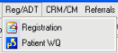
Select Registration from the menu.
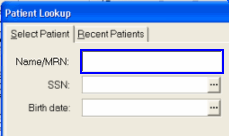
Enter the patient's last name and first name in the Name/MRN field.
 Remember the "3,3" rule: Enter the first three
letters of the patient's last name and the first three letters of the
patient's first name for a quick patient search... For
example: Smi,Joh
Remember the "3,3" rule: Enter the first three
letters of the patient's last name and the first three letters of the
patient's first name for a quick patient search... For
example: Smi,Joh
Click the Find
Patient  button.
Ensure that the correct patient name is highlighted on the list.
Click the Accept
 button.
Select the correct contact record.
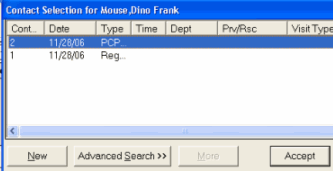
Click the Accept button.
Print this topic.
To view a demonstration of this process, view the Patient Lookup module.
